


Published Mar 30, 2026 • 3 min
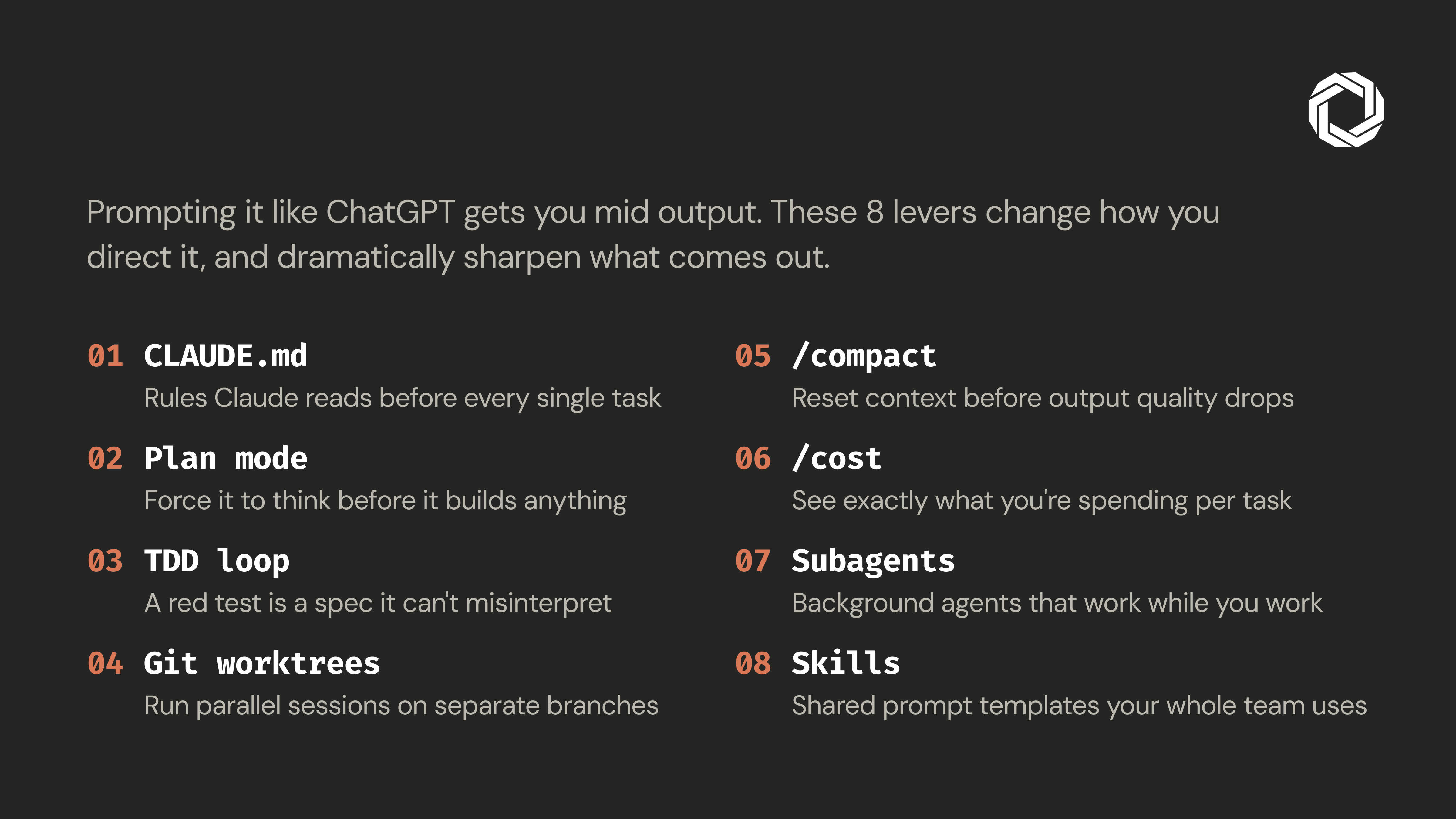
Claude Code is one of the most capable AI coding tools available today. But capability without structure is just expensive guesswork. We’ve watched developers spend hours in long, meandering sessions, getting progressively worse output, when a few deliberate workflow habits would have cut the time in half and doubled the quality of what came back.
The tool isn’t the problem. The workflow is.
Before Claude writes a single line of code, it needs context about your project. CLAUDE.md is a rules file Claude reads at the start of every session, your project’s standards, conventions, and constraints in one place.
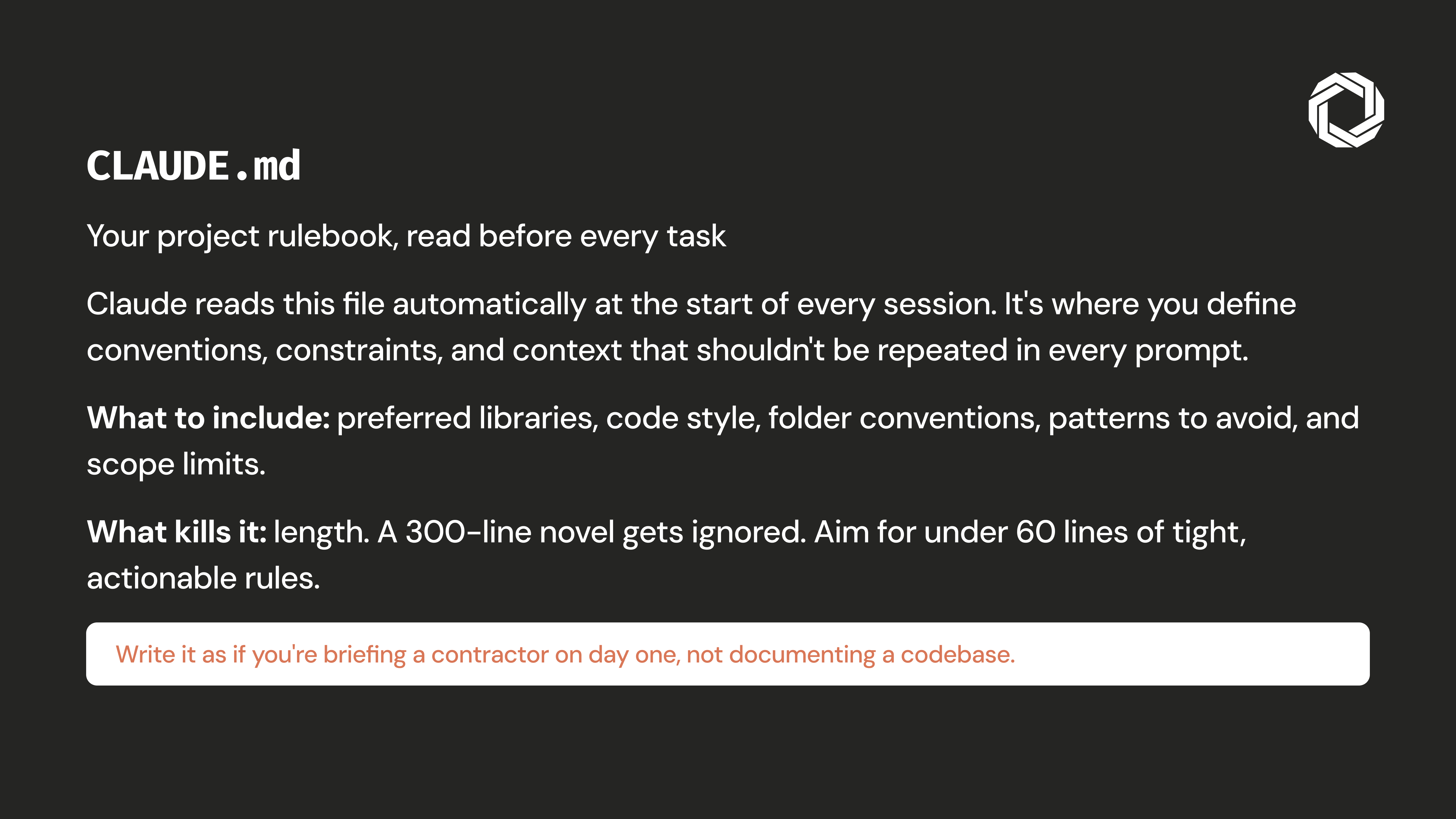
Keep it under 60 lines. Think of it as a brief for a day-one contractor, not an internal wiki. Cover architecture decisions, naming conventions, preferred libraries, and what “done” looks like for your team. The investment is ten minutes. The payoff is every session that follows.
Never ask Claude to build before you’ve aligned on direction. Use plan mode to prompt Claude to think through the approach first, architecture, edge cases, trade-offs, then review the plan before saying “implement it.”
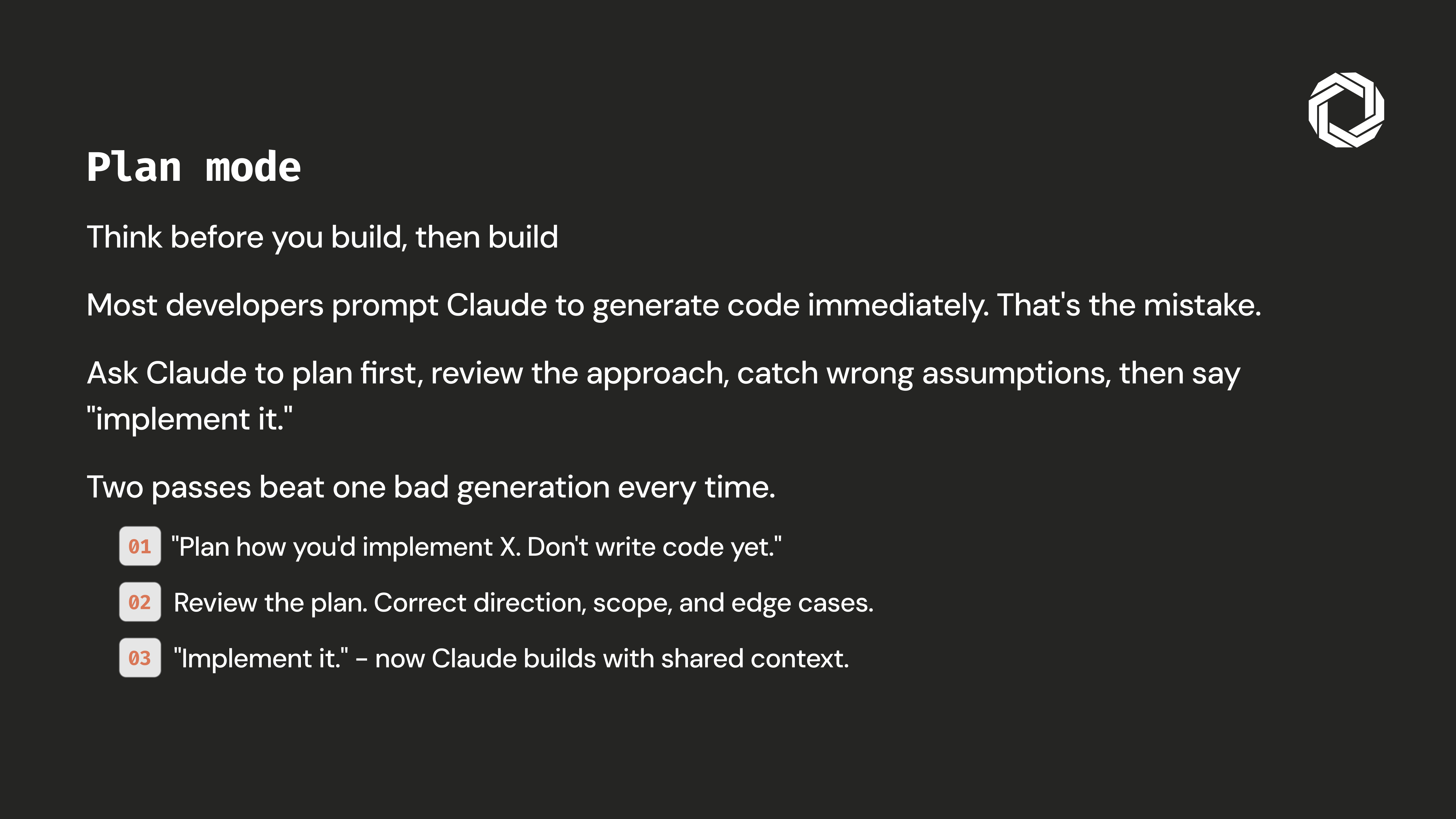
Two deliberate passes always outperform one rushed generation. The planning step is your earliest and cheapest chance to catch misalignment before any real code is written.
Natural language is inherently ambiguous. Tests aren’t. Write a failing test that precisely describes the expected behavior, hand it to Claude, and let it iterate until green.
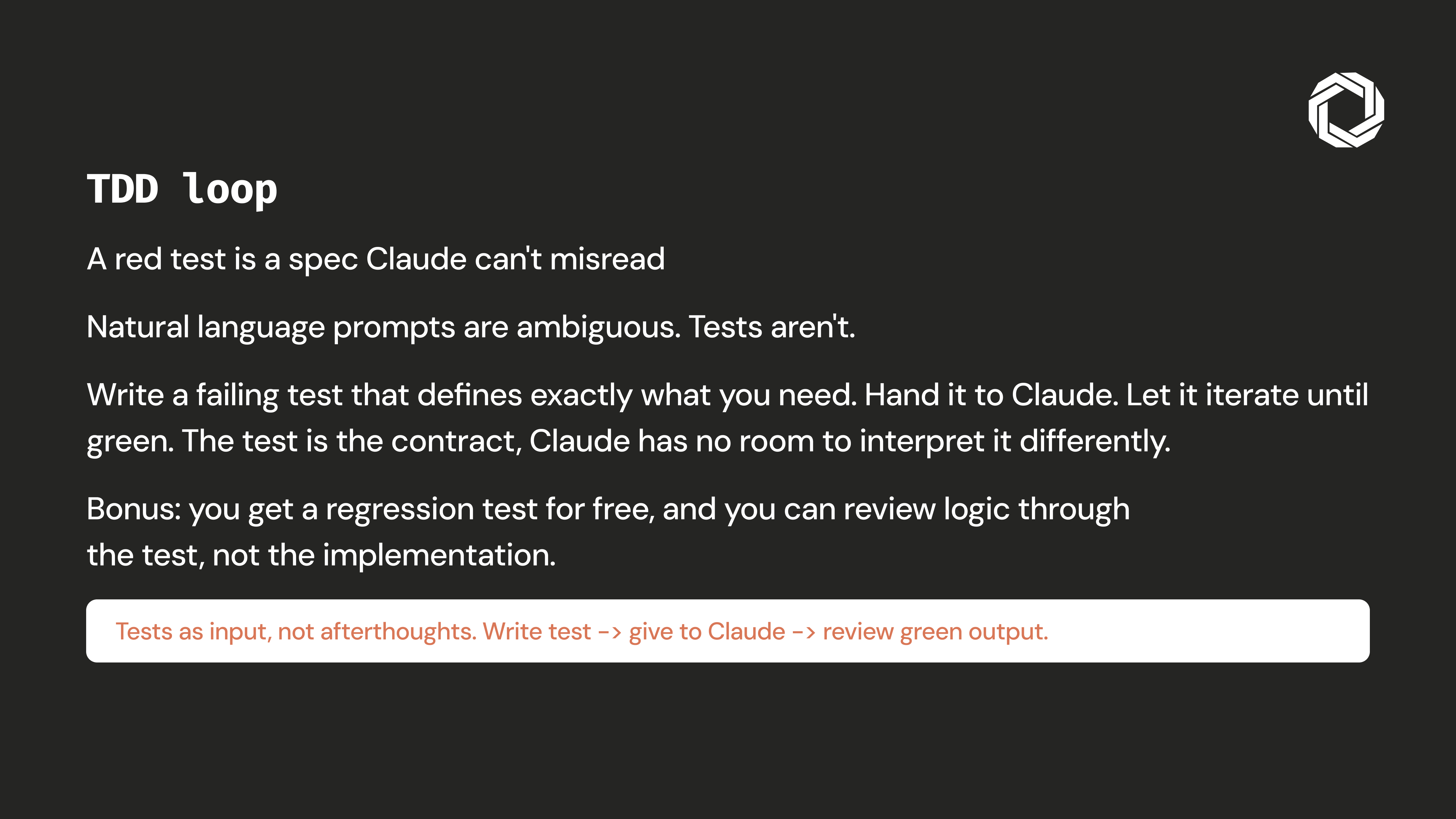
The test is the spec. There’s no room to interpret, drift, or hallucinate a requirement. Claude can verify its own output automatically, no manual review loop required.
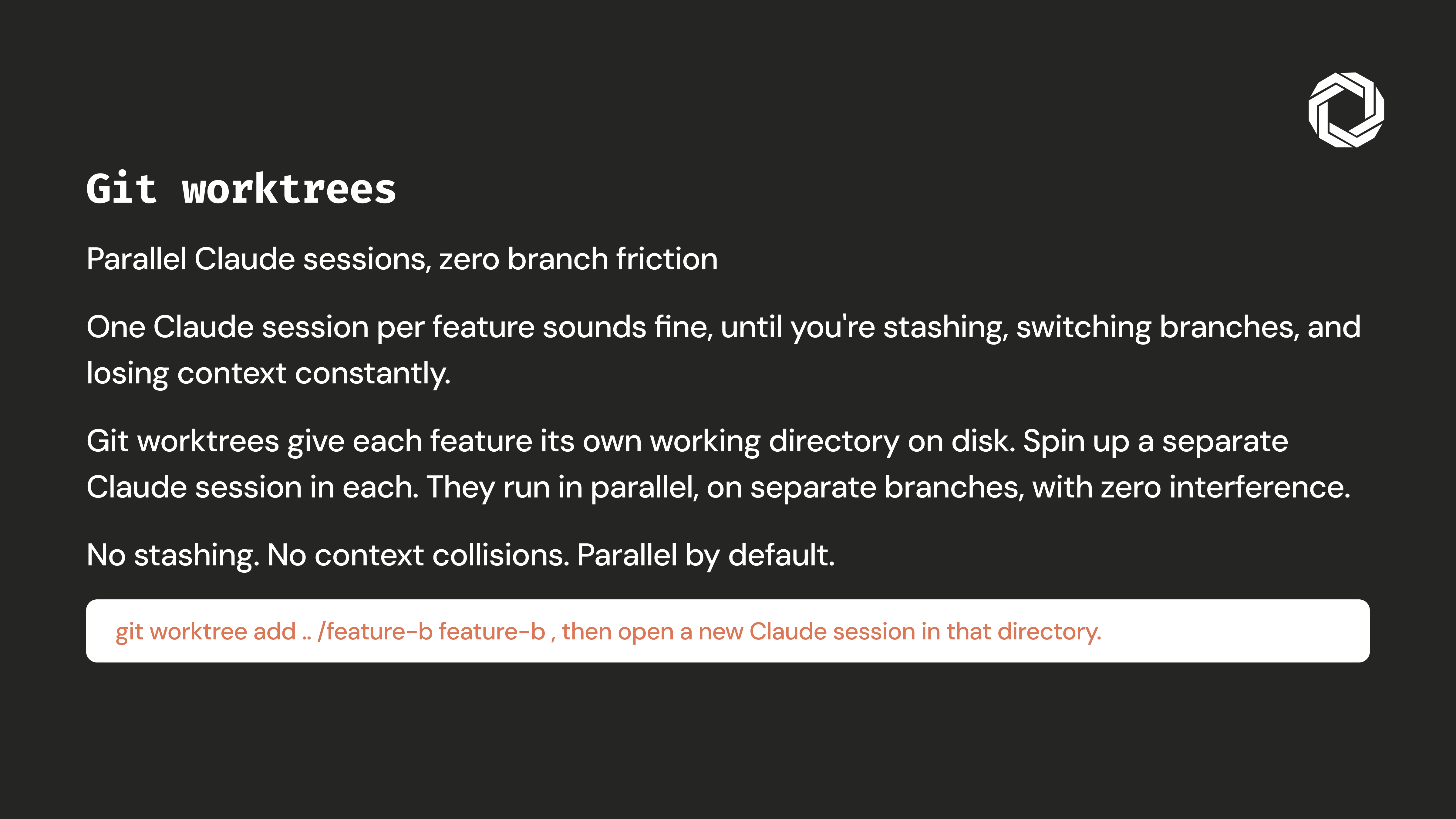
Running parallel Claude sessions on the same branch is a recipe for context collisions. Git worktrees give each feature its own isolated directory and branch, one worktree per task, each with a dedicated Claude session.
No stashing. No context bleed between features. No “wait, what branch am I on?” Separate concerns completely so Claude can work on multiple tasks in parallel without stepping on itself.
Long sessions degrade output quality, not because Claude is unreliable, but because the context window fills with noise over time. Use /reset before output quality starts to drop: it compresses conversation history while preserving the essential context budget.
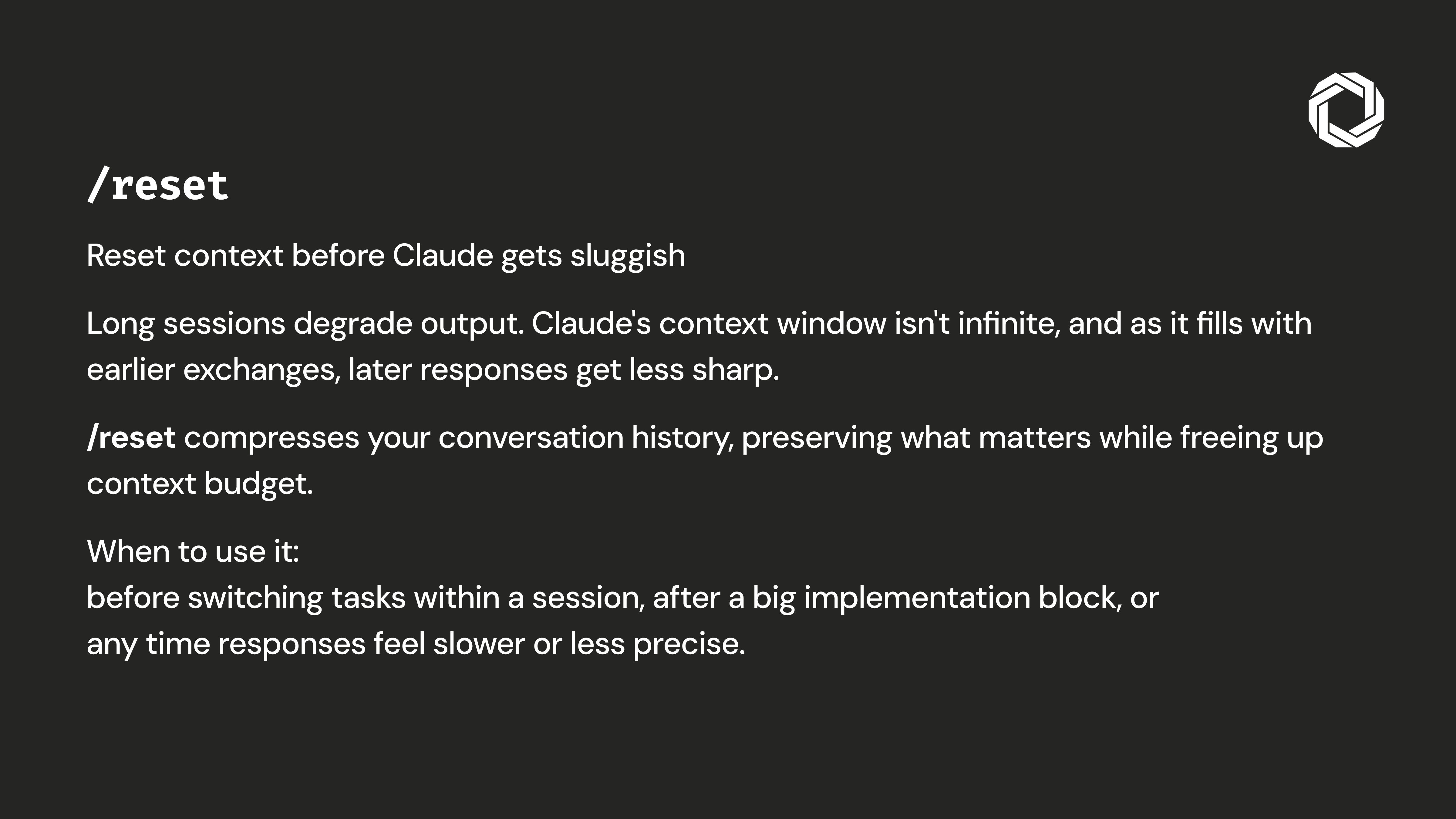
Don’t wait for the cliff. Compact proactively, the same way you save your work before a crash rather than after one.
A high session cost is always a diagnostic signal. Bloated context, an underspecified task, or Claude looping on the wrong abstraction, /cost surfaces the symptom before it becomes a habit.
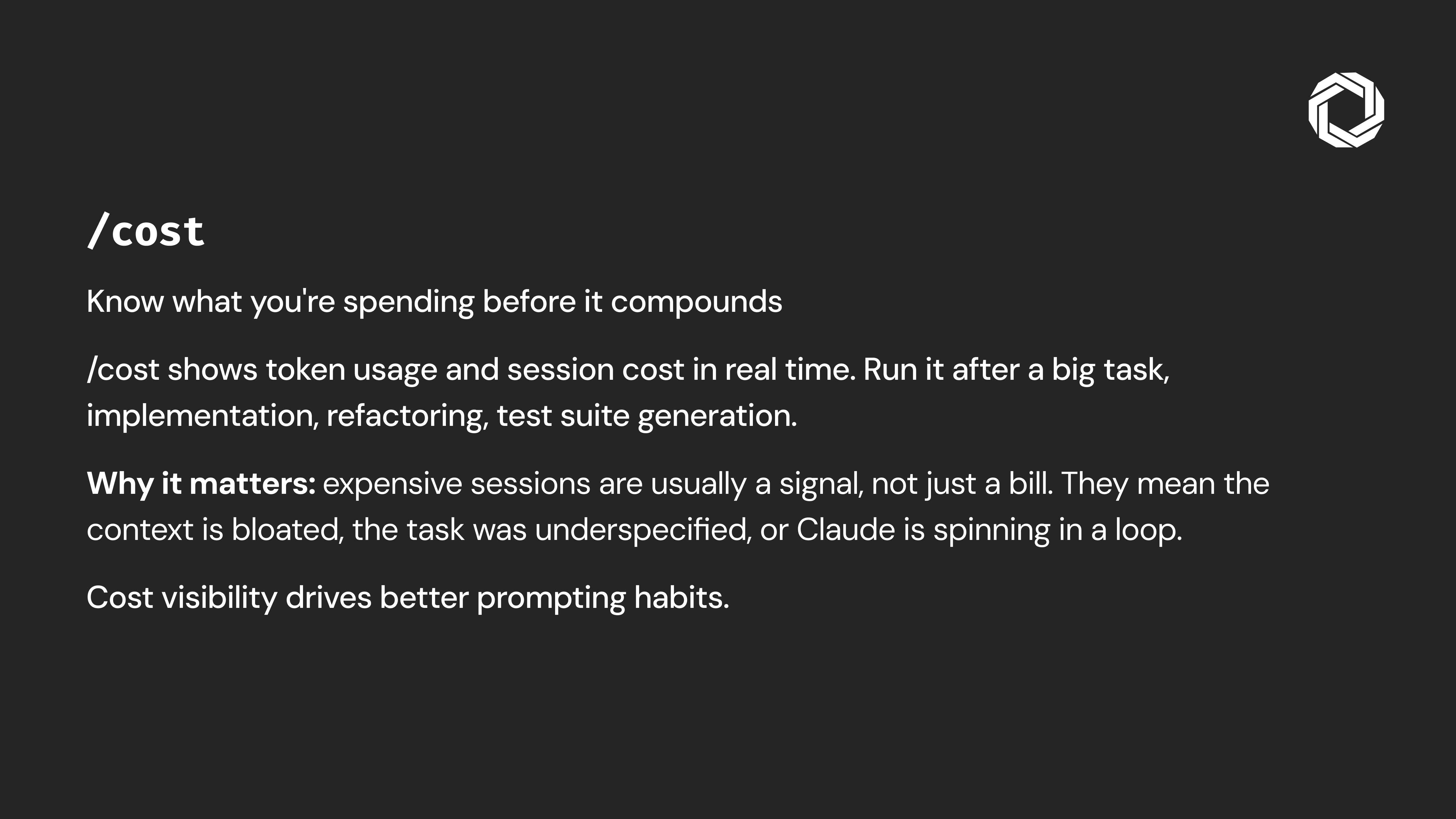
Track it. If the number spikes unexpectedly, stop and diagnose before continuing. It’s cheaper to fix the prompt than to burn another 10K tokens going in the wrong direction.
Sequential work is the hidden bottleneck in AI-assisted development. Subagents let you spawn background Claude sessions that operate while you continue working, code review while you implement, docs while you refactor, tests while you ship.
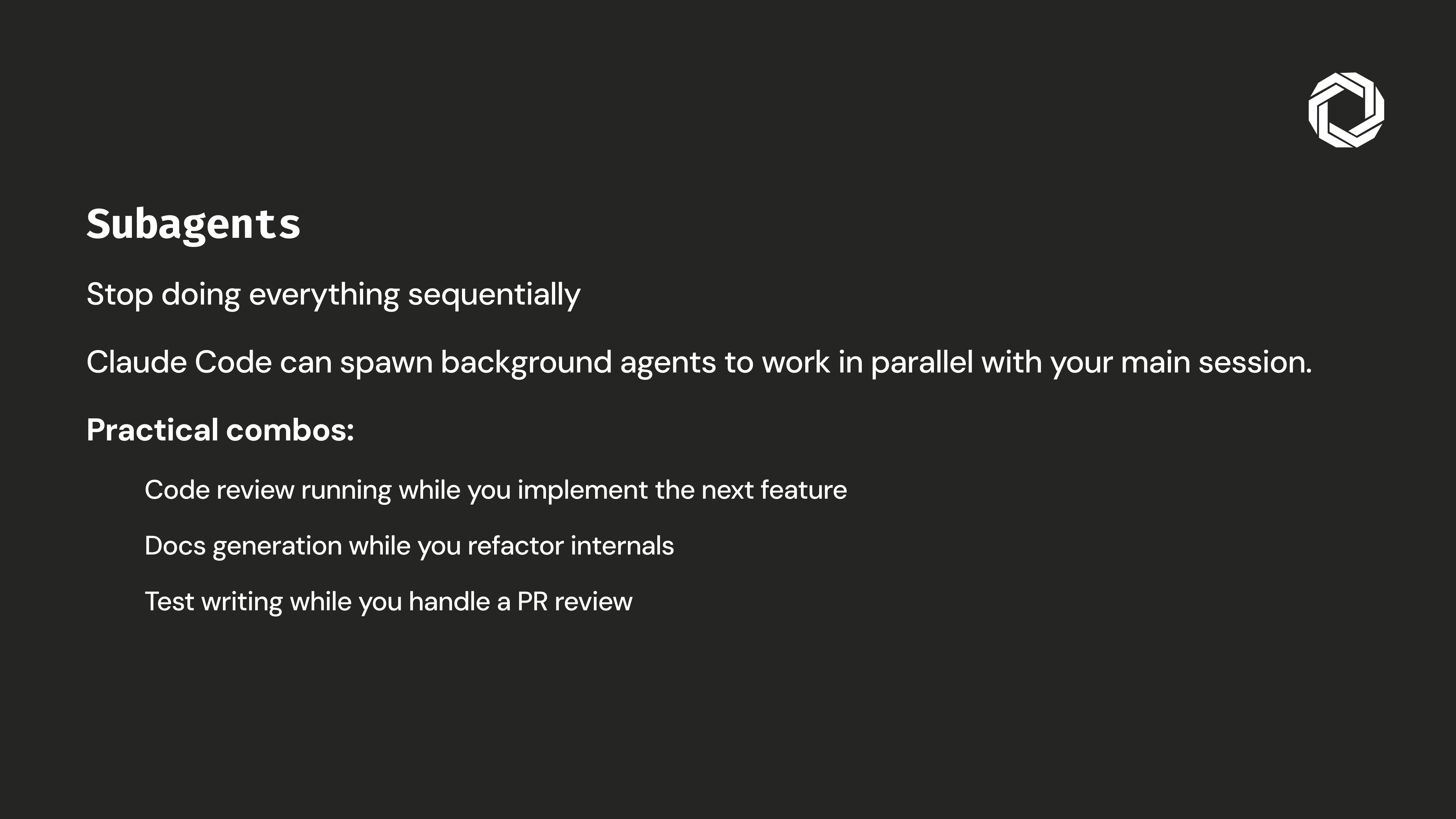
Think of it as a development team where everyone works simultaneously rather than handing off one task at a time. The compounding effect is significant.
When every developer on a team prompts differently, output quality becomes random. Skills are shared prompt templates stored directly in the repository, reusable, versioned, and consistent across the team.
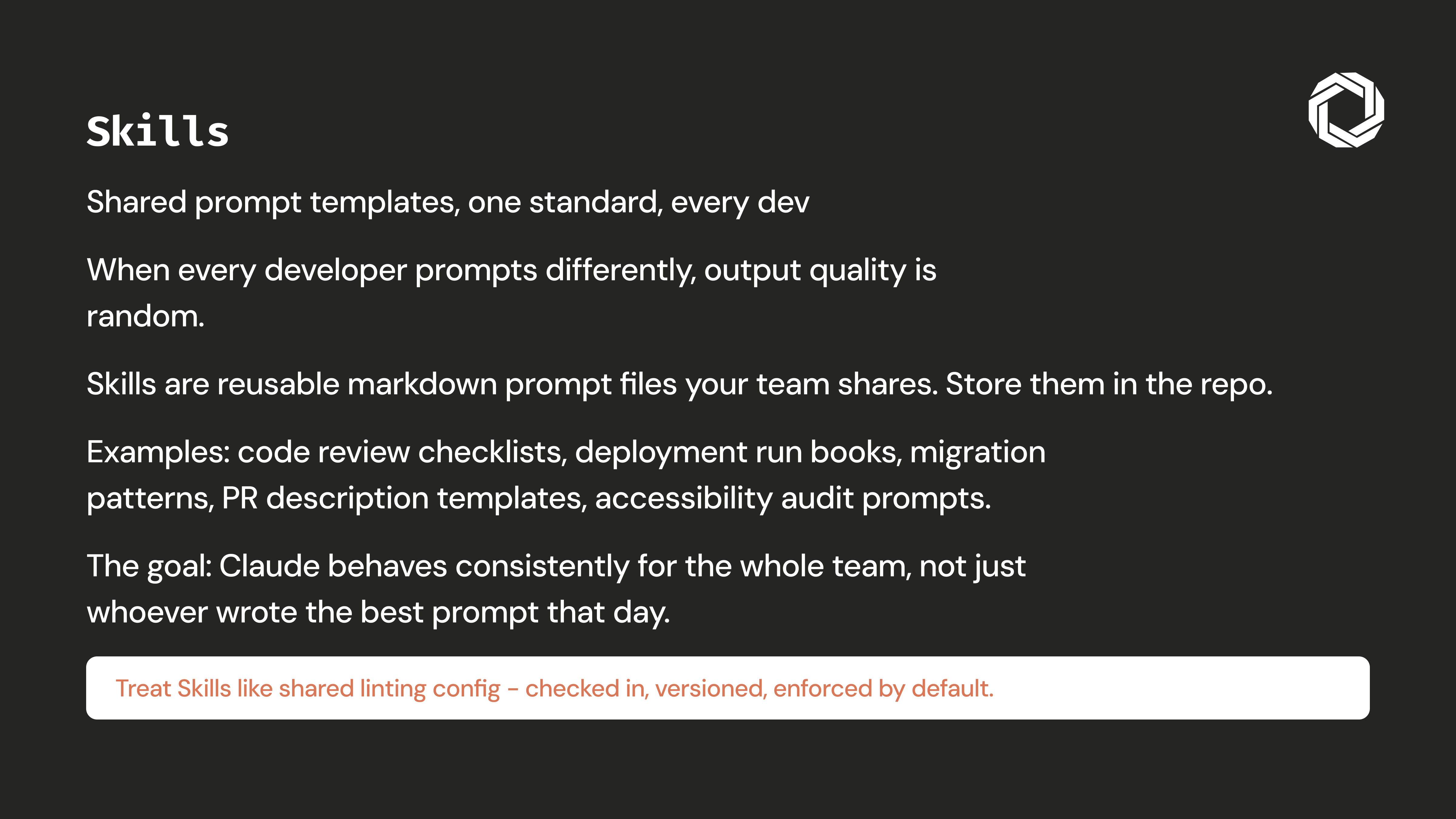
When good prompts are checked into the repo alongside the code, great output stops being the exception and starts being the default. Skills systematize the craft instead of leaving it to individual memory and improvisation.
Claude Code doesn’t underdeliver. Unstructured usage of Claude Code does. These eight practices take less than a day to adopt and compound in value with every session after that. Start with CLAUDE.md and Plan Mode, the rest builds naturally from there.
The developers getting the most out of AI tooling aren’t the ones with the best prompts. They’re the ones who’ve built systematic workflows around a capable tool. That’s the real unlock.