


Published Apr 07, 2026 • 4 min
The term “agentic” gets misused constantly. Here it means something specific: the model can act across a multi-step task loop, scan your codebase, identify instances needing change, apply edits across multiple files, and verify the build, without you manually orchestrating each step.
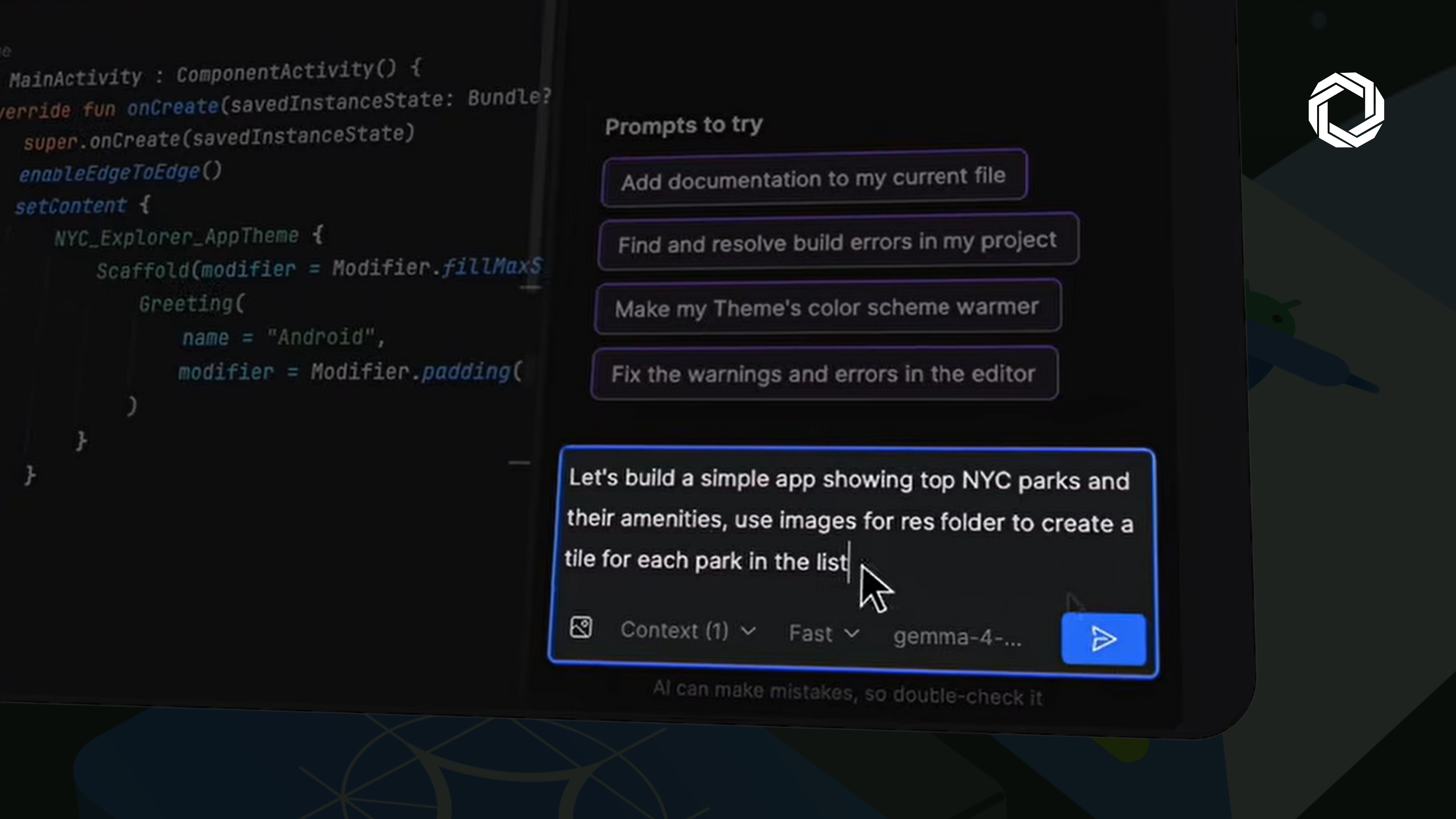
Feature scaffolding: Give it a natural language command (“build a calculator app”) and it generates the UI structure, wires Jetpack Compose components, and applies Android conventions it was trained on, not generic patterns pulled from Stack Overflow.
Refactoring at codebase scope: It scans for hardcoded strings, identifies migration targets, and pushes consistent changes across files simultaneously. This is where single-file autocomplete tools break down.
Build-failure resolution: Point it at a broken build and it navigates to the error, examines the context, and proposes a targeted fix. Faster than reading stack traces manually on deadline.
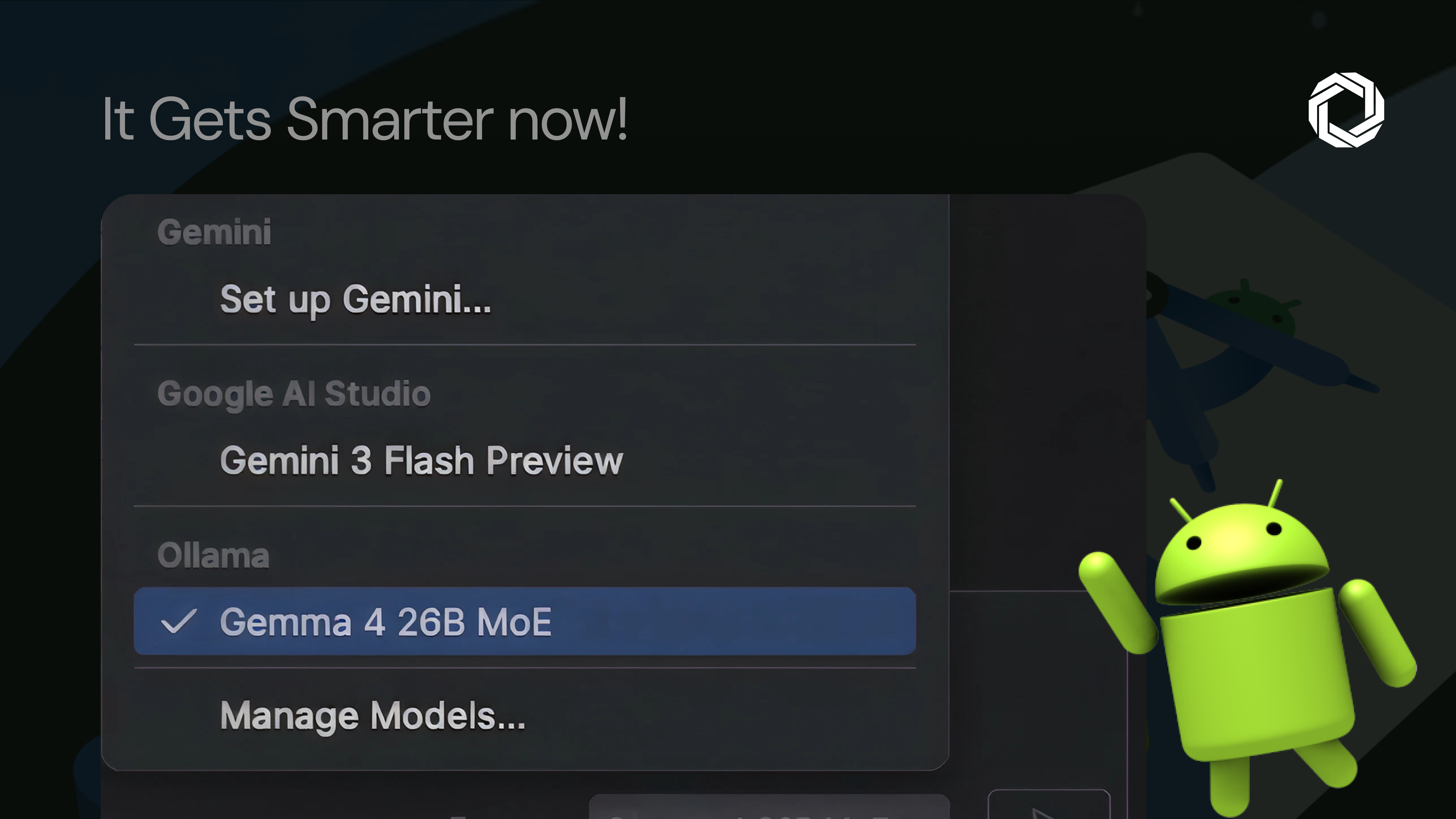
This doesn’t run on any machine. Google’s minimum requirements:
Gemma E2B → 8 GB RAM / 2 GB Storage
Gemma E4B → 12 GB RAM / 4 GB Storage
Gemma 27B MoE → 54 GB RAM / 17 GB Storage
The E4B tier is the practical sweet spot for most individual developers today. The 27B variant requires high-spec workstation hardware, capable, but not universally accessible without investment.
 Local model support in a mainstream IDE normalises something important: the expectation that AI tooling should run where your code lives, not just where cloud infrastructure allows.
The privacy and cost advantages are obvious. The less-discussed benefit is latency, on-device inference eliminates the network round-trip entirely, which matters for real-time completion in large codebases.
The tradeoff is real too. Local models require capable hardware, add a setup step via LM Studio or Ollama, and cloud frontier models remain more capable for now.
But for teams blocked on AI-assisted development due to data residency requirements, or teams that want deterministic, cost-predictable tooling, this is the architecture shift worth evaluating now.