What Claude Design Actually Does
This
Claude Design AI tool review starts with a real scenario. A designer was unavailable. A pitch deck was due by morning. The team typed their problem into Claude Design and had something on-brand and presentation-ready within the hour, a proper, shareable deck, exported as a PDF. Previously, that outcome used to require a designer, a brief, a dedicated tool, and half a day. Claude Design compressed all of it into a single converzation.
A Brand-New Kind of Design Tool
Claude Design tool review verdict up front: it is unlike any design tool available before. Specifically, Anthropic built it through their Labs initiative. What it covers is extensive: brand prototypes, landing pages, wireframes, marketing assets, and social media visuals, all built through conversation. You describe what you need. It builds a first version. Then you shape it from there, commenting, moving elements, tweaking spacing, adjusting colour, and editing text directly. There is no design software involved. No handoff required. Waiting is eliminated.
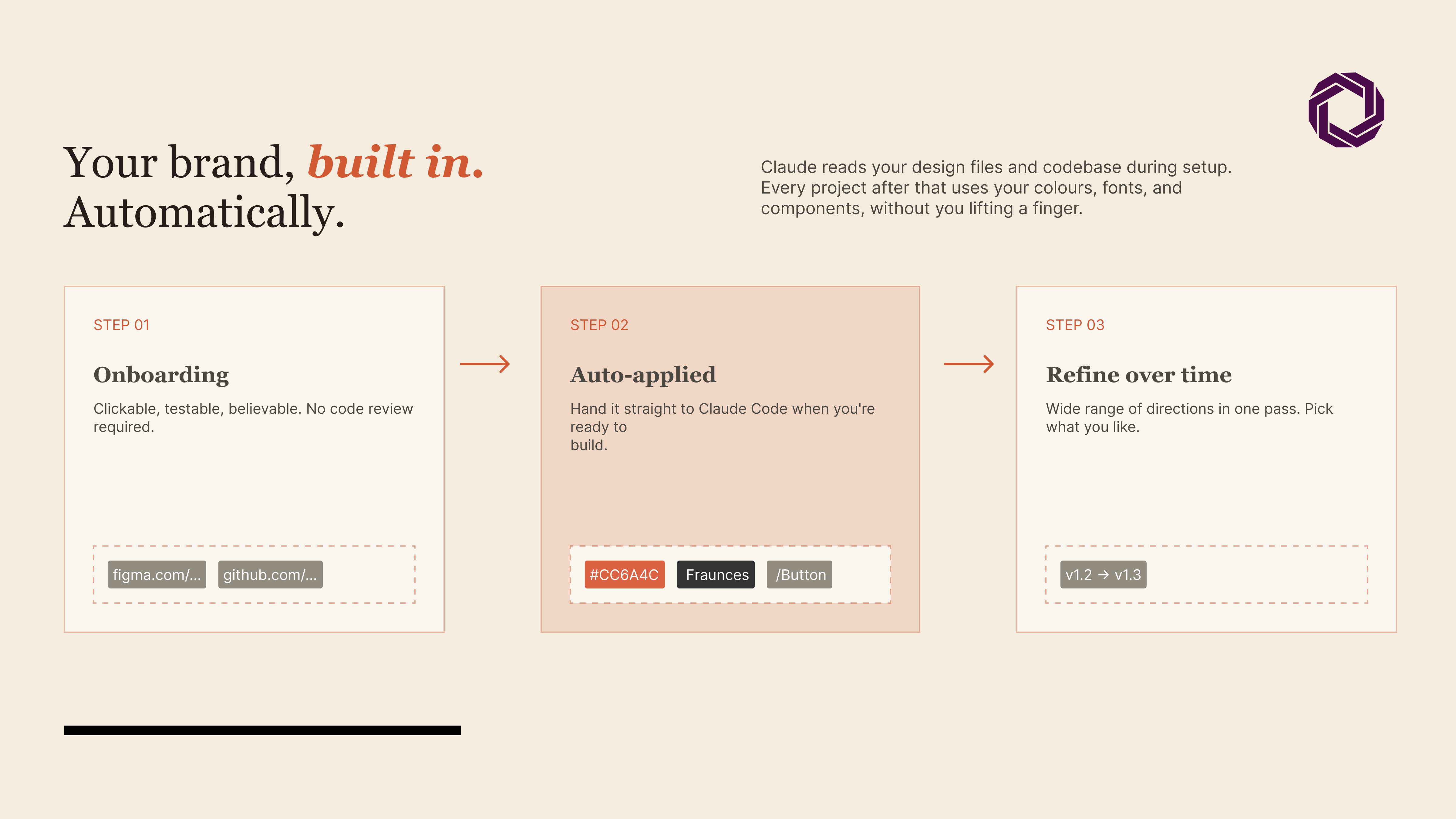
Here is the part that actually changes things: it learns your brand.
Why Brand Consistency Is the Real Unlock
Claude Design applies your existing design language, colours, fonts, and component styles across every asset it builds. However, every single output stays consistent with your brand. For teams constantly creating content for clients, that consistency saves hours per project. Moreover, it creates a workflow that simply did not exist six months ago.
From Mockup to Interactive Prototype
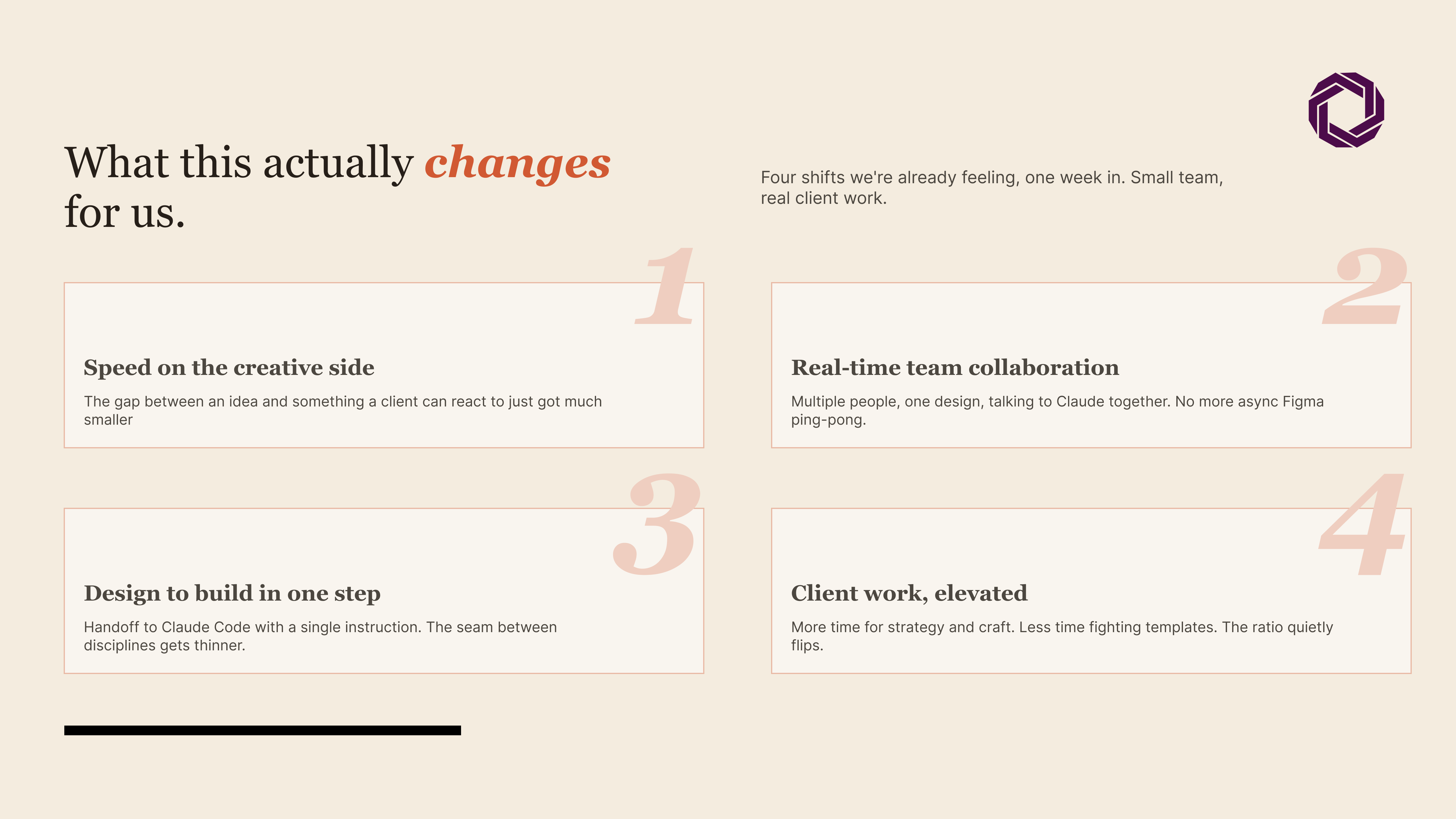
Designers can turn outputs into interactive prototypes, shareable, clickable, and on-brand, without writing a single line of code. Furthermore, the Frontier Design direction hints at slides, video, shaders, and 3D all inside a prototype. That is further along than most teams realize.
Additionally, the collaboration angle matters. Designs are shareable within an organization. Consequently, multiple people can edit simultaneously. Everyone talks to Claude in the same conversation. As a result, creative work moves from back-and-forth email chains to something closer to building together.
The Problem That Started This
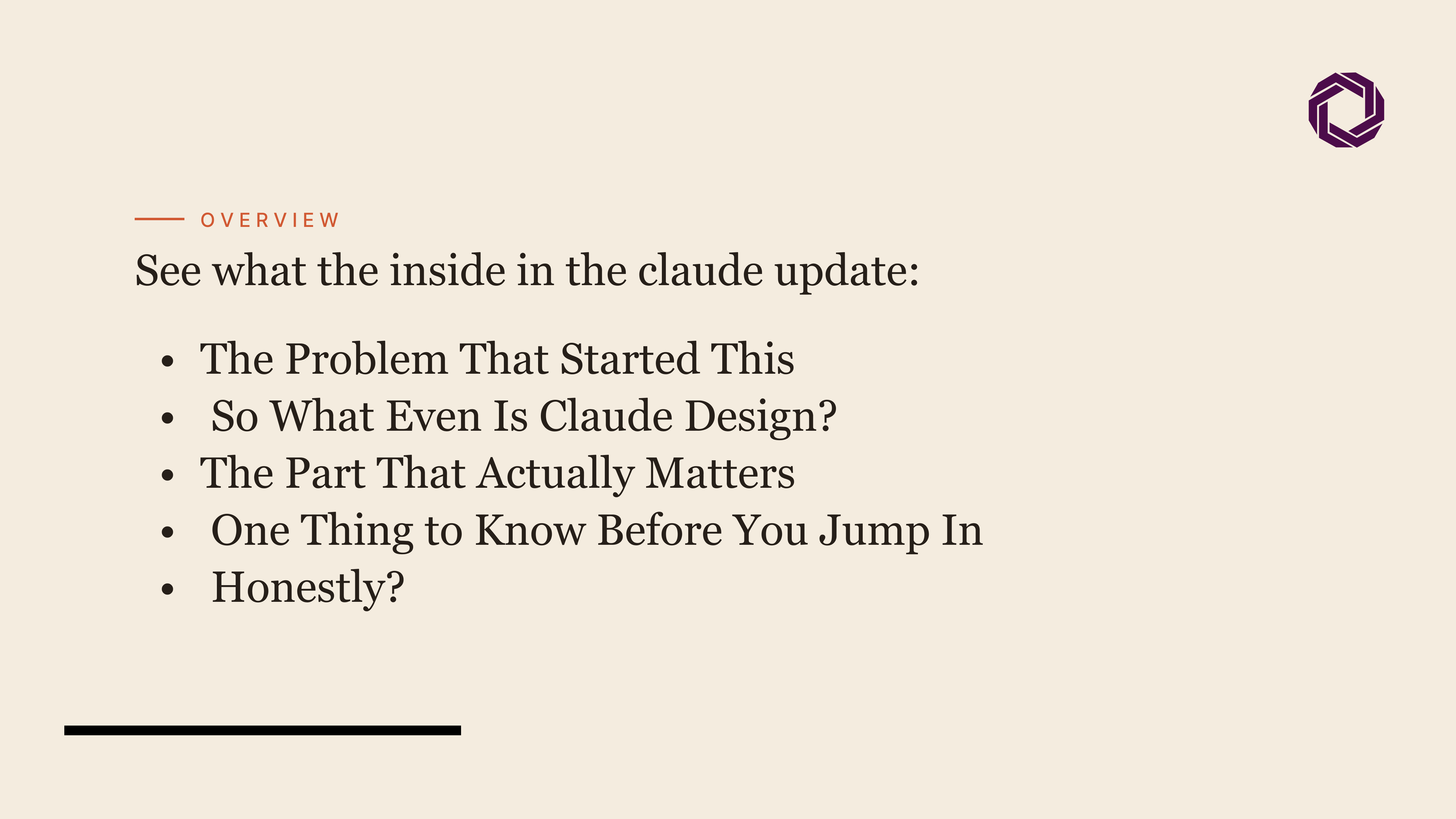
It was a Tuesday. Someone on a team needed a pitch deck by morning. Design resource: not available. Panic level: reasonably high.
That used to mean a very stressful night of Canva templates, mismatched fonts, and silently questioning every life choice.
Instead, they opened Claude Design, typed what they needed, and had a working draft in minutes. Not a rough sketch, a proper, on-brand, shareable deck, exported as a PDF and ready to go.
We’re still a little stunned.
So What Even Is Claude Design?
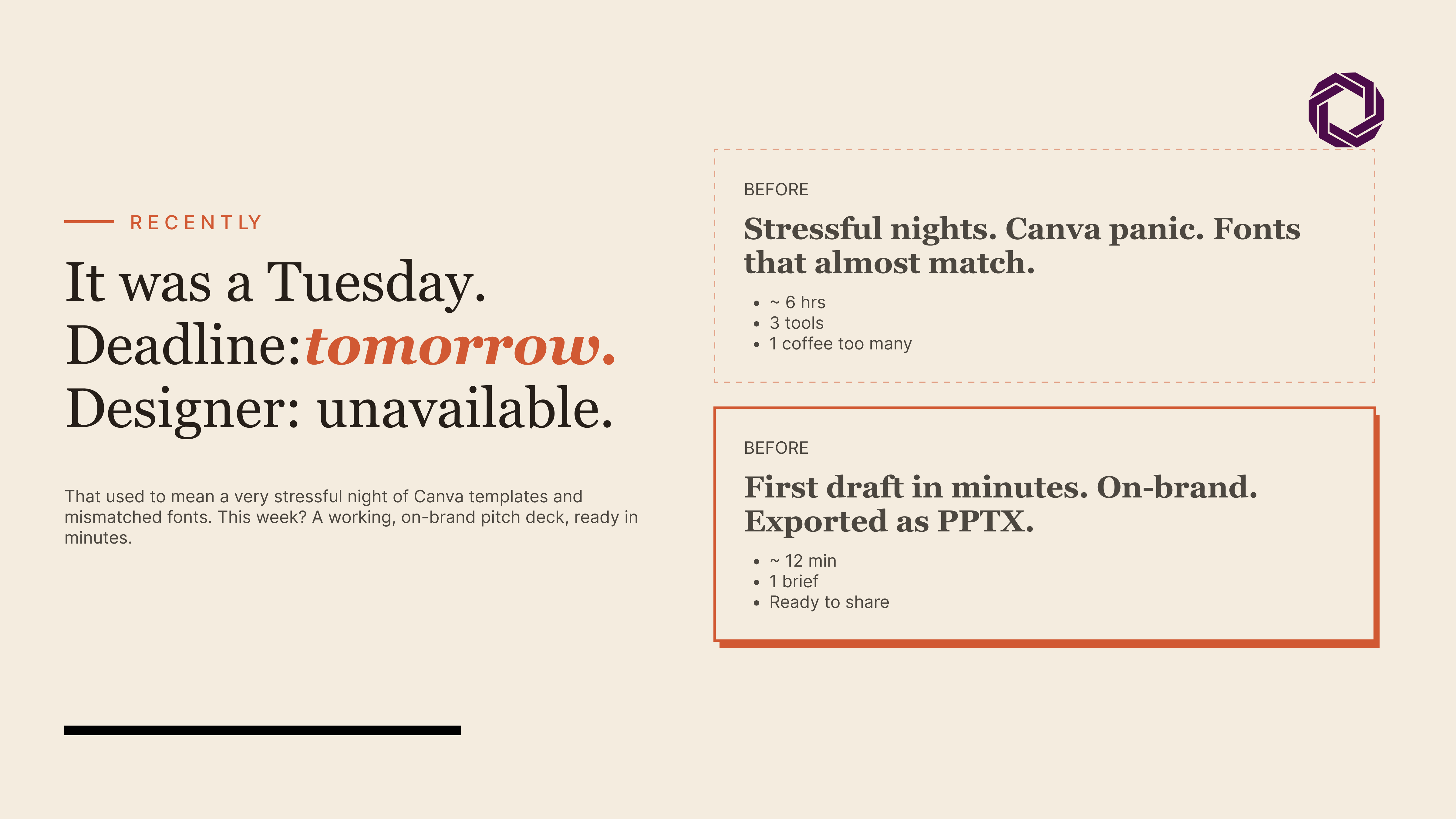
Anthropic just launched Claude Design, a brand-new product through their Anthropic Labs initiative. It’s unlike anything we’ve used before.
The short version: it does a lot. Brand prototypes, landing pages, wireframes, marketing assets, social media visuals. You describe what you need, it builds a first version, and you shape it from there. Every Claude Design tool review we’ve seen misses how different this feels in practice, it’s not generation, it’s conversation.
But here’s the part that genuinely changes things: it learns your brand.
The Part That Actually Matters
Doing what Claude Design does isn’t just fast generation. It’s applying your existing design language, colours, fonts, component styles, across every asset it builds. Every single thing it outputs is consistent with your brand. More “wait, why are we still doing this manually?” energy.
For teams constantly creating content for clients, that consistency is not a small thing. That’s hours saved. That’s a workflow.
brand-building through conversation is genuinely something new.
Designers can turn mockups into interactive prototypes, shareable, clickable, on-brand, without writing a single line of code. They can go from a rough outline to a detailed, functional prototype directly inside Claude Design.
And then there’s the “Frontier Design” direction: slides, video, shaders, 3D, all inside a prototype. We don’t fully know where that’s going yet. But it’s worth paying close attention to.
One Thing to Know Before You Jump In
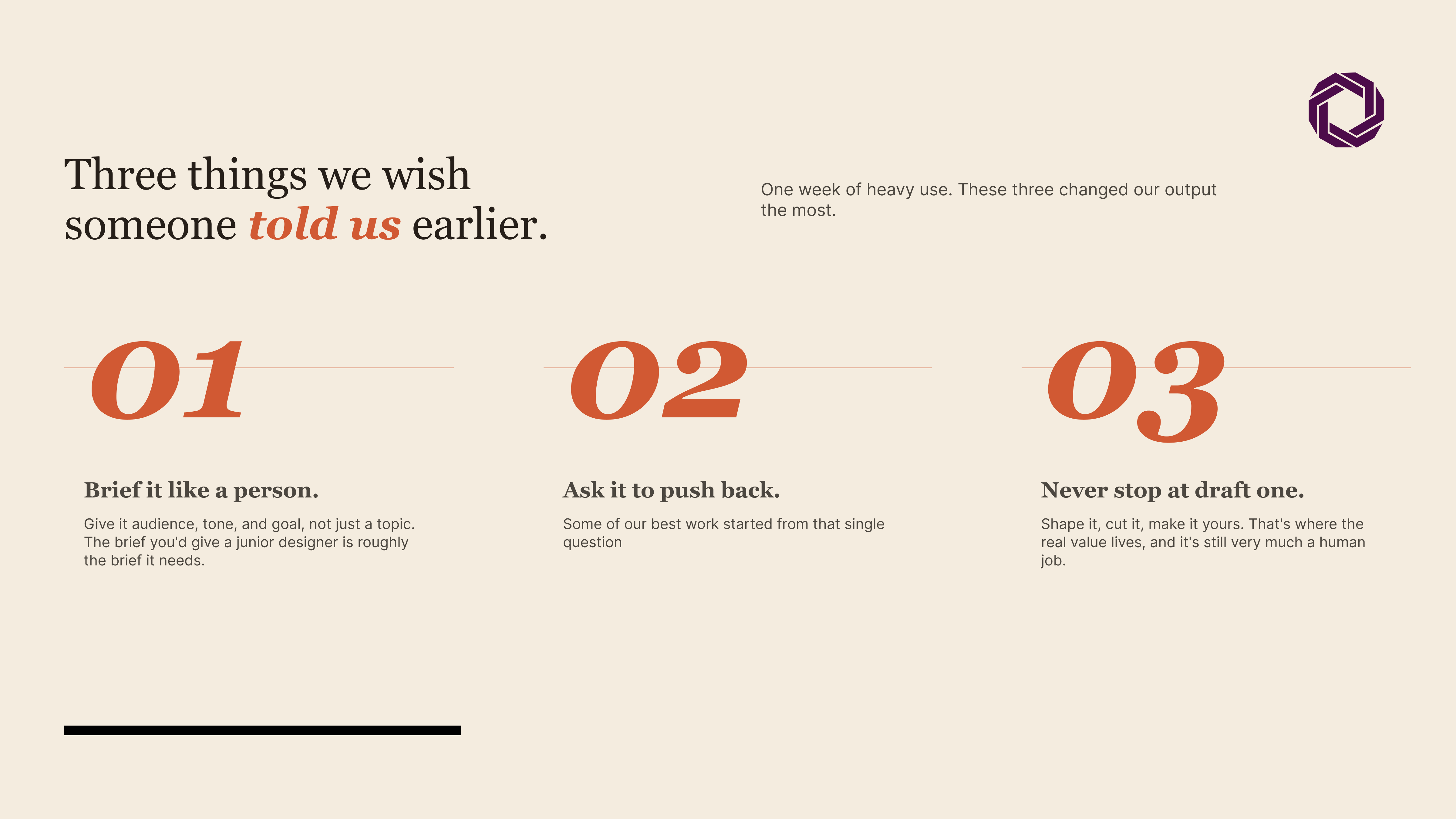
Three things we wish we’d known earlier:
- Claude Design is currently in research preview, available for Claude Pro, Max, Team, and Enterprise subscribers
- Access it at claude.ai/design, it’s the fastest way in
- It’s off by default, you need to enable it in Organisation settings before anyone on your team can use it
If you’re on Enterprise, heads up: your admin needs to switch it on in Organisation settings.
Honestly?
We’ve been excited about AI tools before, and that excitement has often worn off pretty quickly. The capability here is real. The problem it’s solving is real. The gap between having an idea and being able to show that idea to someone has genuinely narrowed. Claude Design is the first tool we’ve used that actually closes that gap for designers.
Your relevant blog insights here