

Published Apr 15, 2026 • 5 min
With this update, designers can select any prototyped frame or interaction flow in Figma and choose Export → dotLottie from the export panel. The resulting file preserves:
• Transition animations (dissolve, smart animate, push/pull)
• Hover and click interaction states
• Looping sequences and animated overlays
• Variable-driven motion tied to component properties
The exported .lottie file can be dropped directly into the dotLottie web player, the official dotLottie React/Vue/Android/iOS libraries, or any LottieFiles-compatible renderer.
Previously, the handoff between a motion designer’s Figma prototype and a developer’s production codebase was painfully manual. Developers would receive a prototype link and a spec sheet, then spend hours rebuilding transitions in CSS or re-authoring them in After Effects. dotLottie export collapses that gap entirely.
Teams using LottieFiles’ dotLottie player can now ship pixel-perfect, designer-authored animations with zero re-implementation cost. The file size is dramatically smaller than equivalent GIF or video exports, typically 60–80% smaller than Lottie JSON, making it ideal for mobile apps and performance-sensitive web interfaces.
1. Build your prototype interactions in Figma using Smart Animate or standard transitions.
2. Select the starting frame or component set you want to export.
3. Open the Design panel → Export section → click the “+” icon → choose dotLottie from the format dropdown.
4. Adjust settings such as loop behaviour, background transparency, and frame rate.
5. Click Export and hand the .lottie file off to your development team.
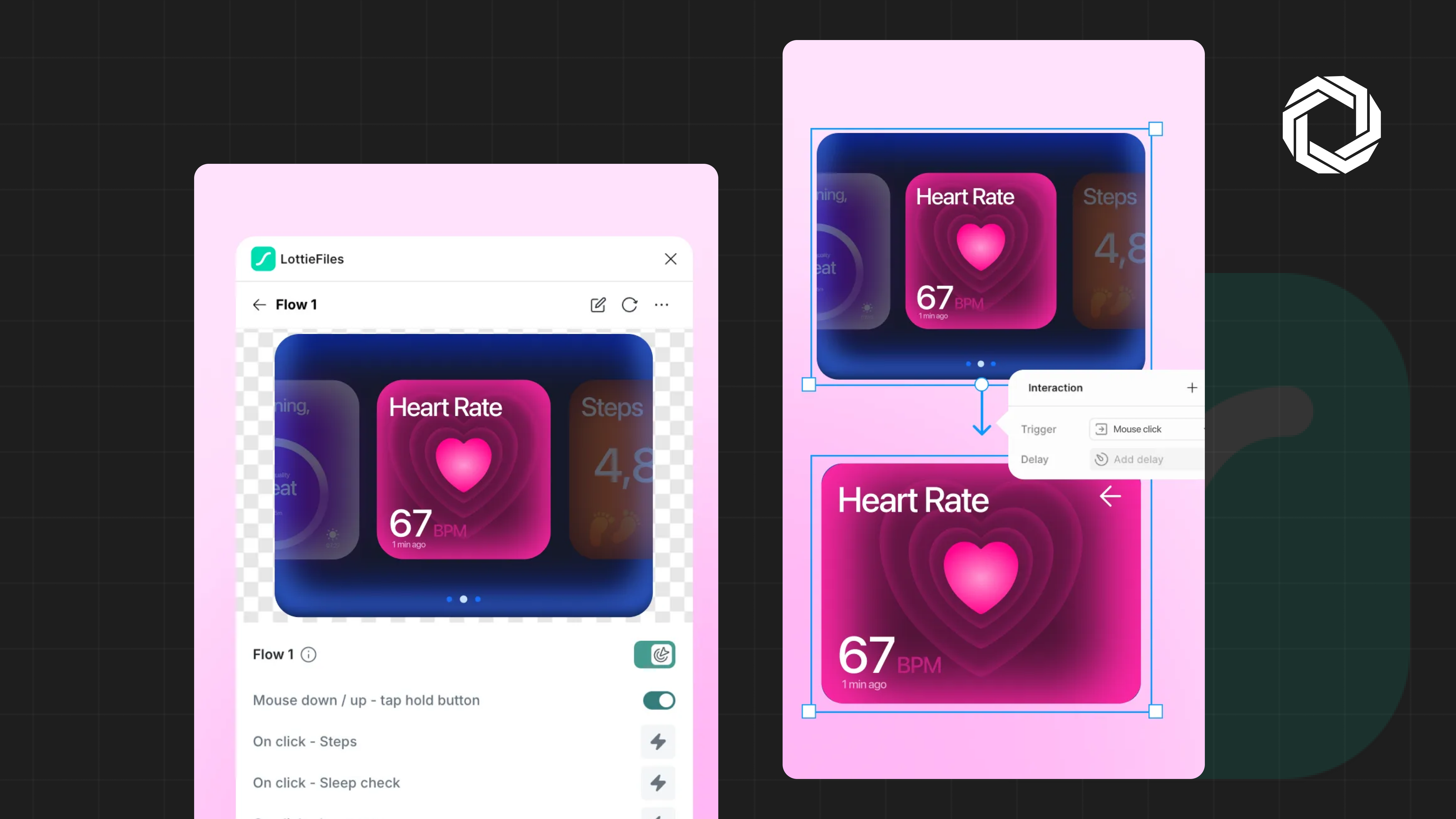
The export currently supports Figma’s built-in animation easing curves (ease in, ease out, ease in-out, linear, spring). Complex interactions relying on Figma’s conditional logic or variable expressions are partially supported, simple variable transitions export cleanly, while multi-branch conditional flows are flattened to their default path. The Figma team has confirmed expanded conditional support is on the roadmap.
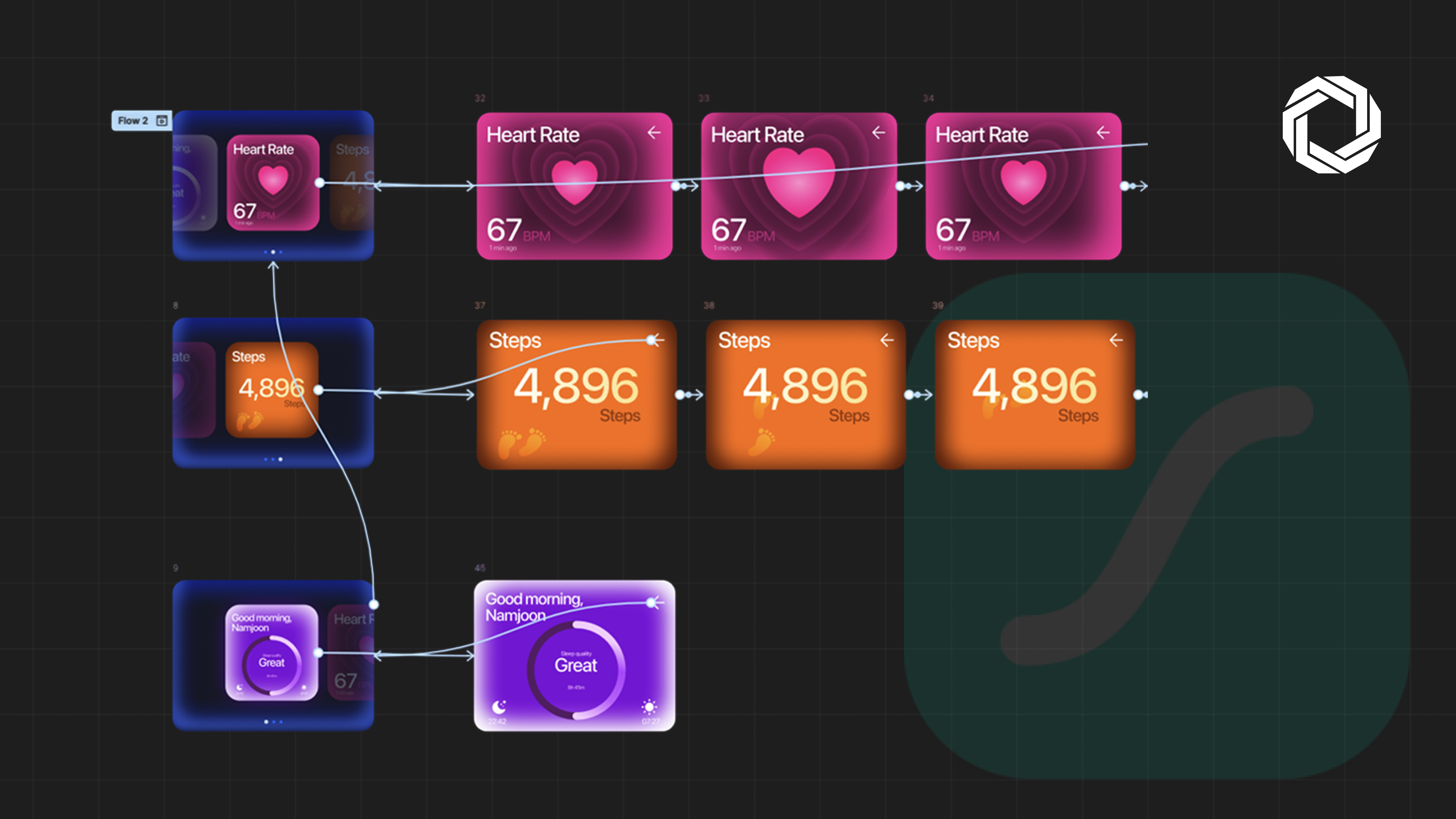
This feature is part of a broader industry movement toward closing the design-to-code gap. Combined with Figma’s Dev Mode variable sync and its forthcoming AI-assisted component generation, dotLottie export positions Figma as an end-to-end motion design and delivery platform, not just a static UI tool.
For product teams already invested in the LottieFiles ecosystem, this is a significant quality-of-life improvement. For teams new to Lottie-based animation, it’s an accessible on-ramp that requires no additional tooling to get started.