Most teams do not notice egress until the bill jumps 30 percent in a month. When we audit a noisy VPC, there are a handful of changes that usually cut at least 40 percent of egress and NAT processing in the first week. This is the rundown that works for us, in the order that saves the most per hour spent.
If you want a second set of hands on a live environment, our Cloud and DevOps engineering team has done this many times in production-scale accounts, and we document changes so your team can own it after. See our Cloud and DevOps engineering approach on the site.
Start by measuring the right things
You need to separate three items on the bill. Data transfer out to Internet, NAT Gateway data processing, and cross AZ transfer. The first two dominate, the third hides inside line items with bland names.
Do this before touching anything.
- Enable the Cost and Usage Report with resource IDs. Drop it in S3 and turn on Athena integration.
- Turn on VPC Flow Logs to S3 for the VPCs that carry most egress. Sample 1 in 5 if the volume is huge.
- In CloudWatch, add the NAT Gateway metrics BytesOutToDestination and BytesInFromDestination to a dashboard by gateway and AZ.
Athena query we use to find the usual suspects by usage type. Adjust dataset and dates to your account.
-- Top egress and NAT processing by usage type
SELECT
  line_item_usage_type,
  SUM(line_item_usage_amount) AS usage_units,
  SUM(line_item_blended_cost) AS blended_cost
FROM cur.your_cur_table
WHERE
  bill_billing_period_start_date >= date '2024-10-01'
  AND line_item_line_item_type <> 'Tax'
  AND (
    line_item_usage_type LIKE '%DataTransfer-%' OR
    line_item_usage_type LIKE '%NatGateway-Bytes%' OR
    line_item_usage_type LIKE '%NatGateway-Hours%'
  )
GROUP BY 1
ORDER BY blended_cost DESC;
The goal is to confirm that NAT processing is charging at $0.045 per GB and that a subset of services behind NAT are responsible. You will also see regional data transfer to Internet, usually at $0.09 per GB in us east 1, with CloudFront often cheaper. If cross AZ transfer shows up, expect $0.01 per GB inside the region.
We often fold sizing and dependency mapping into a short architecture review. If you want a structured once over on topology and routing, our architecture review playbook is on the site at the engineering services section.
Eliminate NAT data processing with VPC endpoints first
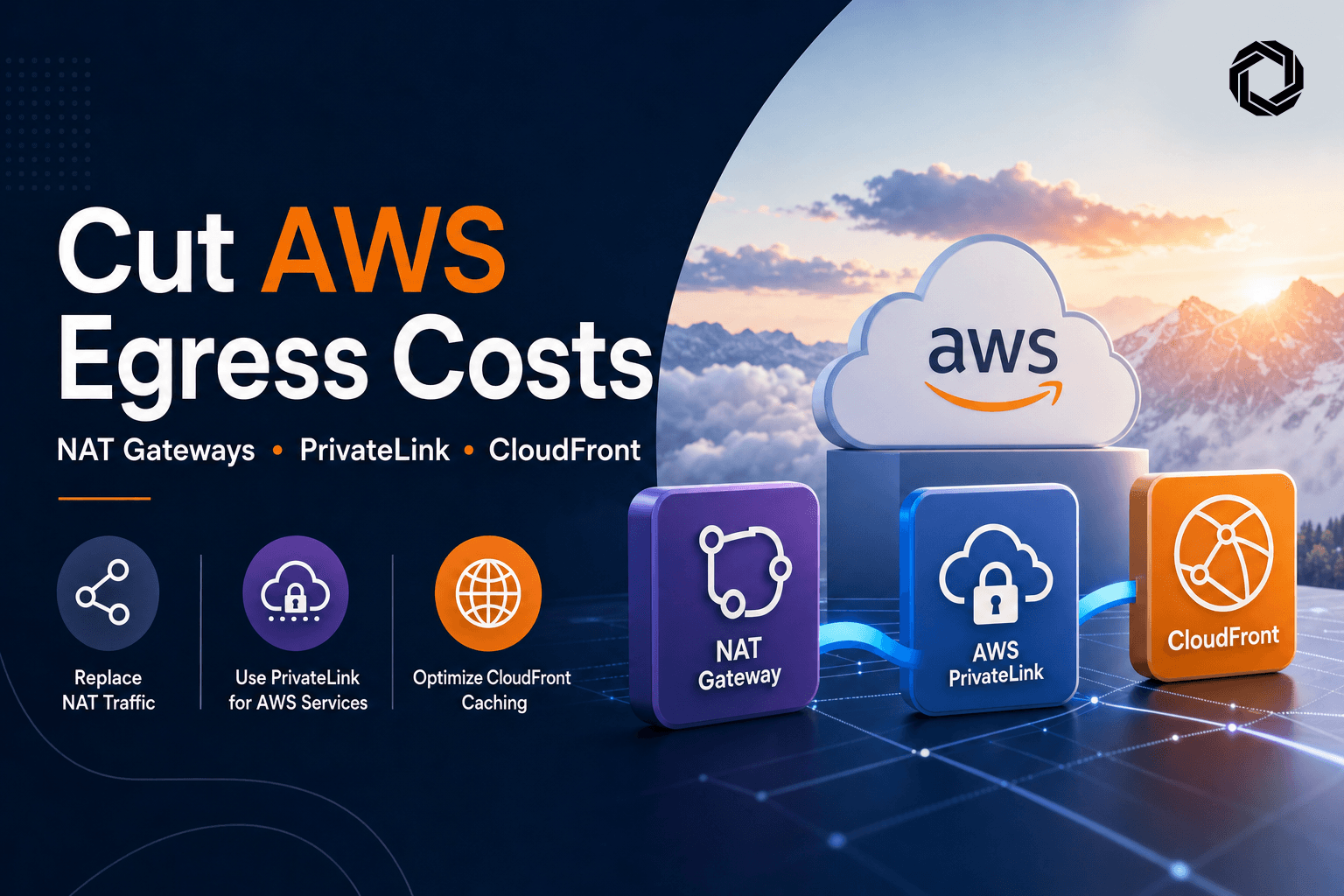
This has the best ROI. NAT Gateway data processing is $0.045 per GB. Gateway VPC endpoints for S3 and DynamoDB cost $0 per GB and $0 per hour. Interface VPC endpoints for common AWS APIs cost about $0.01 per GB and roughly $0.01 per hour per AZ. The payback is immediate if you push container images, write logs, call STS, or fetch secrets from private subnets.
Order of operations we follow:
- Add Gateway endpoints for S3 and DynamoDB. This removes NAT tolls for most SDK calls and S3 uploads from private subnets.
- Add Interface endpoints for ECR API, ECR DKR, CloudWatch Logs, STS, SSM, Secrets Manager, and KMS if you use KMS over VPC. That cuts recurring background traffic and deployments.
- Update security groups to allow interface endpoint ENIs. Enable Private DNS for these endpoints so standard public service hostnames resolve inside the VPC.
- Block S3 access that bypasses the endpoint so you do not drift back to NAT later.
Example Terraform that covers the minimum set we usually install. Replace IDs as needed.
# Gateway endpoints
resource "aws_vpc_endpoint" "s3" {
  vpc_id            = var.vpc_id
  service_name      = "com.amazonaws.${var.region}.s3"
  vpc_endpoint_type = "Gateway"
  route_table_ids   = var.private_route_table_ids
}

resource "aws_vpc_endpoint" "dynamodb" {
  vpc_id            = var.vpc_id
  service_name      = "com.amazonaws.${var.region}.dynamodb"
  vpc_endpoint_type = "Gateway"
  route_table_ids   = var.private_route_table_ids
}

# Shared security group for interface endpoints
resource "aws_security_group" "vpce_sg" {
  name        = "vpce-sg"
  description = "Allow HTTPS to interface endpoints"
  vpc_id      = var.vpc_id

  egress {
    from_port   = 0
    to_port     = 0
    protocol    = "-1"
    cidr_blocks = ["0.0.0.0/0"]
  }

  ingress {
    description = "Allow HTTPS from VPC"
    from_port   = 443
    to_port     = 443
    protocol    = "tcp"
    cidr_blocks = var.vpc_cidrs
  }
}

locals {
  interface_services = [
    "com.amazonaws.${var.region}.ecr.api",
    "com.amazonaws.${var.region}.ecr.dkr",
    "com.amazonaws.${var.region}.logs",
    "com.amazonaws.${var.region}.sts",
    "com.amazonaws.${var.region}.ssm",
    "com.amazonaws.${var.region}.secretsmanager",
    "com.amazonaws.${var.region}.kms"
  ]
}

resource "aws_vpc_endpoint" "interfaces" {
  for_each            = toset(local.interface_services)
  vpc_id              = var.vpc_id
  service_name        = each.value
  vpc_endpoint_type   = "Interface"
  private_dns_enabled = true
  subnet_ids          = var.private_subnet_ids
  security_group_ids  = [aws_security_group.vpce_sg.id]
}
Lock S3 to the VPC endpoint so an accidental public route does not reintroduce NAT. This is a deny by default that permits only requests that come through your VPC endpoint.
{
  "Version": "2012-10-17",
  "Statement": [
    {
      "Sid": "DenyIfNotViaVPCE",
      "Effect": "Deny",
      "Principal": "*",
      "Action": "s3:*",
      "Resource": [
        "arn:aws:s3:::my-bucket",
        "arn:aws:s3:::my-bucket/*"
      ],
      "Condition": {
        "StringNotEquals": {
          "aws:sourceVpce": "vpce-0123456789abcdef0"
        }
      }
    }
  ]
}
Failure modes we see often:
- You forget to enable Private DNS on an interface endpoint. Clients continue to hit public names, so NAT costs do not drop.
- Subnets in only one AZ for the interface endpoint. That forces cross AZ traffic or fails when that AZ has issues.
- Route tables on the wrong subnets. Gateway endpoints attach to route tables, not subnets. Attach them to the private route tables that EC2 and ECS tasks use.
If you are integrating with third party APIs and want to remove public egress entirely, plan for PrivateLink with the provider. Our API and systems integration team documents patterns for partner connectivity that avoid hairpins and reduce attack surface.
Fix NAT topology so you do not pay cross AZ tolls
Running one NAT for the entire VPC often looks cheaper on paper. In practice it adds cross AZ data transfer for every byte that leaves private subnets in other AZs. That is $0.01 per GB inside the region plus additional jitter.
Do this instead:
- One NAT Gateway per AZ that has private subnets.
- Route each private subnet to the NAT in the same AZ.
- Do not share or centralize NAT across AZs without a strong reason.
This makes failure domains cleaner and removes chatty east west traffic. Watch out for managed services that live in one AZ only, like certain databases or on premises tunnels that terminate in a single AZ. If you must centralize, model the extra $0.01 per GB and decide with eyes open.
Put CloudFront in front of every public byte you can
CloudFront data transfer is cheaper than regional data out from EC2 or ALB in most regions, and you get caching on top. Typical numbers in North America. $0.085 per GB for the first 10 TB on CloudFront versus $0.09 per GB for EC2 to Internet. Prices vary by region and tier, but CloudFront plus compression plus TTL tuning always wins for us.
Steps that move the needle:
- Terminate public traffic at CloudFront, keep ALB or S3 private to the VPC where possible.
- Use managed cache policies to start, then create tight custom policies once you know the headers and query strings that matter.
- Turn on compression and HTTP 2 or 3. Brotli helps on text.
- If the origin is shared, enable Origin Shield in a single region near your origin to raise cache hit ratio.
A minimal Terraform example that has saved us double digits immediately.
data "aws_cloudfront_cache_policy" "caching_optimized" {
  name = "Managed-CachingOptimized"
}

resource "aws_cloudfront_origin_request_policy" "minimal" {
  name = "minimal-headers-and-qs"
  cookies_config { cookie_behavior = "none" }
  headers_config { header_behavior = "none" }
  query_strings_config { query_string_behavior = "none" }
}

resource "aws_cloudfront_distribution" "cdn" {
  enabled             = true
  default_root_object = "index.html"

  origin {
    domain_name = aws_lb.app.dns_name
    origin_id   = "app-alb"

    origin_shield {
      enabled              = true
      origin_shield_region = "us-east-1"
    }
  }

  default_cache_behavior {
    target_origin_id       = "app-alb"
    viewer_protocol_policy = "redirect-to-https"
    compress               = true
    cache_policy_id        = data.aws_cloudfront_cache_policy.caching_optimized.id
    origin_request_policy_id = aws_cloudfront_origin_request_policy.minimal.id
  }

  price_class = "PriceClass_All"

  restrictions { geo_restriction { restriction_type = "none" } }
  viewer_certificate { cloudfront_default_certificate = true }

  logging_config {
    include_cookies = false
    bucket          = aws_s3_bucket.logs.bucket_domain_name
    prefix          = "cf/"
  }
}
Failure modes:
- Cache key is polluted by cookies or headers that do not change the response. Cache hit ratio stays low. Fix the cache policy.
- ALB is still public. Someone hits the ALB directly, bypasses CDN, and you keep paying regional data out. Lock ALB security groups to CloudFront IP ranges or move ALB to private subnets and publish via an internal NLB plus CloudFront to a private origin.
- Logging is verbose and expensive. Standard logs to S3 are fine, but set S3 lifecycle to 7 to 30 days and avoid real time logging unless you need it.
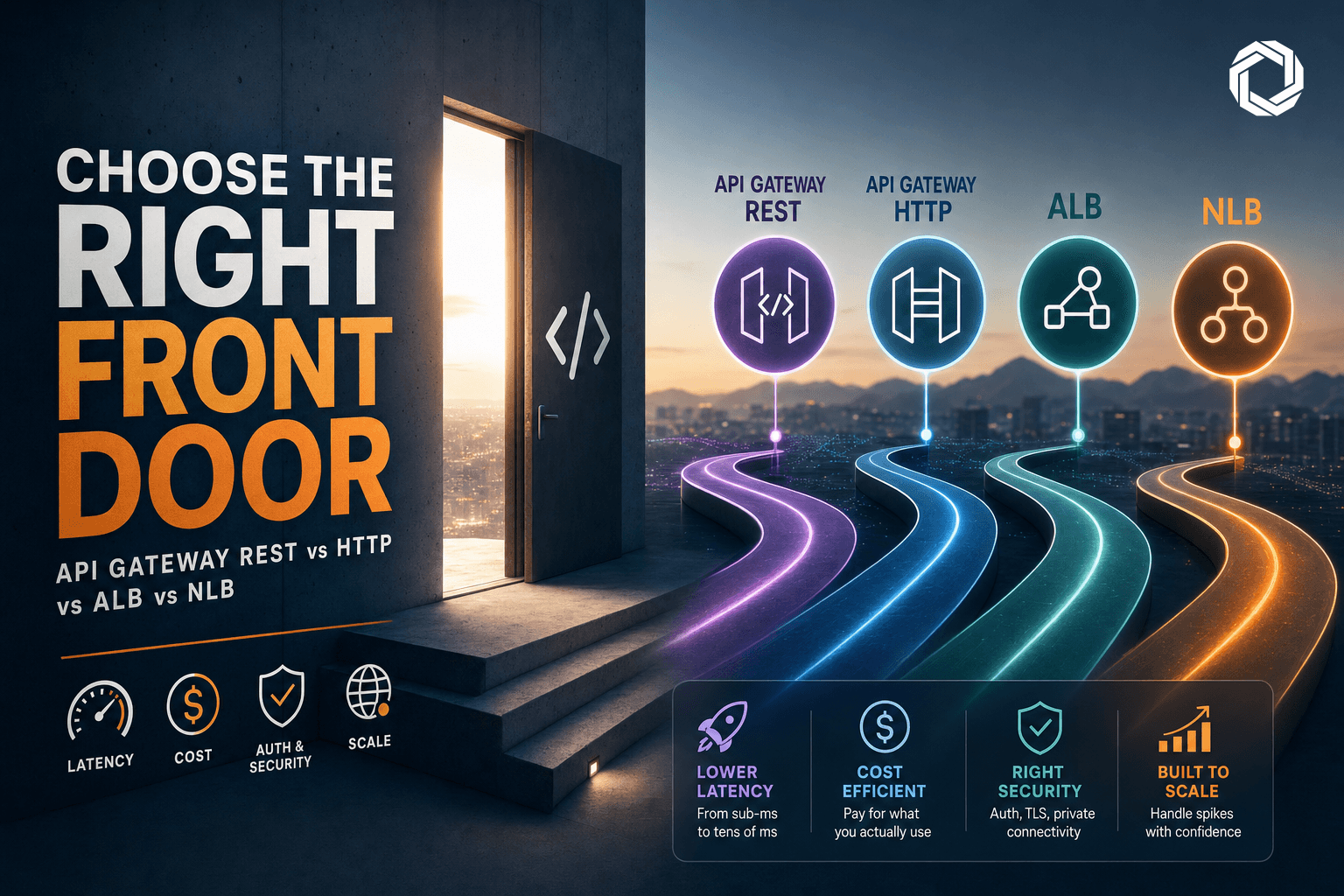
We have a deeper write up on picking the right front door when you must mix API Gateway, ALB, and NLB. That is on our site and it includes trade offs with CloudFront in front of each option.
Make cache keys small and stable
Do not cache on what you do not intend to vary. A few tweaks can double your hit rate.
- Whitelist only the query strings you need. Drop tracking parameters at the edge.
- Remove cookies from the cache key unless a cookie changes the response.
- Normalize Accept Encoding. Let CloudFront compress but do not vary on every minor header.
A tiny CloudFront Function that strips unknown query parameters. Deploy on viewer request. Keep a short whitelist.
function handler(event) {
  var req = event.request;
  var qs = req.querystring || {};
  var keep = { v: true, lang: true }; // adjust to your app

  for (var k in qs) {
    if (!keep[k]) {
      delete qs[k];
    }
  }
  return req;
}
For APIs that truly vary by user, push the cache to the object level. Cache GETs for schema, configuration, icons, and other shared assets aggressively, even if POSTs remain uncached. We often get 60 percent hit rate on mixed sites after removing five junk headers and three tracking parameters from the cache key.
Split horizon DNS and PrivateLink for partner traffic
If a large slice of egress goes to a single SaaS, PrivateLink can remove Internet data transfer and NAT fees. The provider exposes an endpoint service. You create interface endpoints in your VPC and turn on private DNS for that service. Clients keep using the same hostname, but DNS resolves to the VPC endpoint IPs inside the VPC.
Common gotchas:
- You cannot create a private hosted zone for a domain you do not control. Use provider enabled private DNS for the endpoint service, or ask the provider to give you a vanity DNS name that maps via PrivateLink.
- If you must override DNS locally, use Route 53 Resolver rules or a private hosted zone for a subdomain you own and have the partner CNAME to it.
Example when the provider gives you a PrivateLink service with private DNS enabled. You just create the interface endpoint.
resource "aws_vpc_endpoint" "partner" {
  vpc_id              = var.vpc_id
  service_name        = "com.amazonaws.${var.region}.vpce-svc-0abc123def4567890"
  vpc_endpoint_type   = "Interface"
  private_dns_enabled = true
  subnet_ids          = var.private_subnet_ids
  security_group_ids  = [aws_security_group.vpce_sg.id]
}
If they cannot enable private DNS, you can alias your internal name to the endpoint DNS inside your VPC. You must own the zone you create.
resource "aws_route53_zone" "internal_partner" {
  name = "partner.internal.example.com"
  vpc  { vpc_id = var.vpc_id }
}

resource "aws_route53_record" "partner_api" {
  zone_id = aws_route53_zone.internal_partner.zone_id
  name    = "api"
  type    = "A"
  alias {
    name                   = aws_vpc_endpoint.partner.dns_entry[0].dns_name
    zone_id                = aws_vpc_endpoint.partner.dns_entry[0].hosted_zone_id
    evaluate_target_health = false
  }
}
This is split horizon. Inside the VPC, api.partner.internal.example.com resolves to the interface endpoint. Outside, it resolves to the public record or not at all. Test carefully so clients do not pin public IPs in DNS caches.
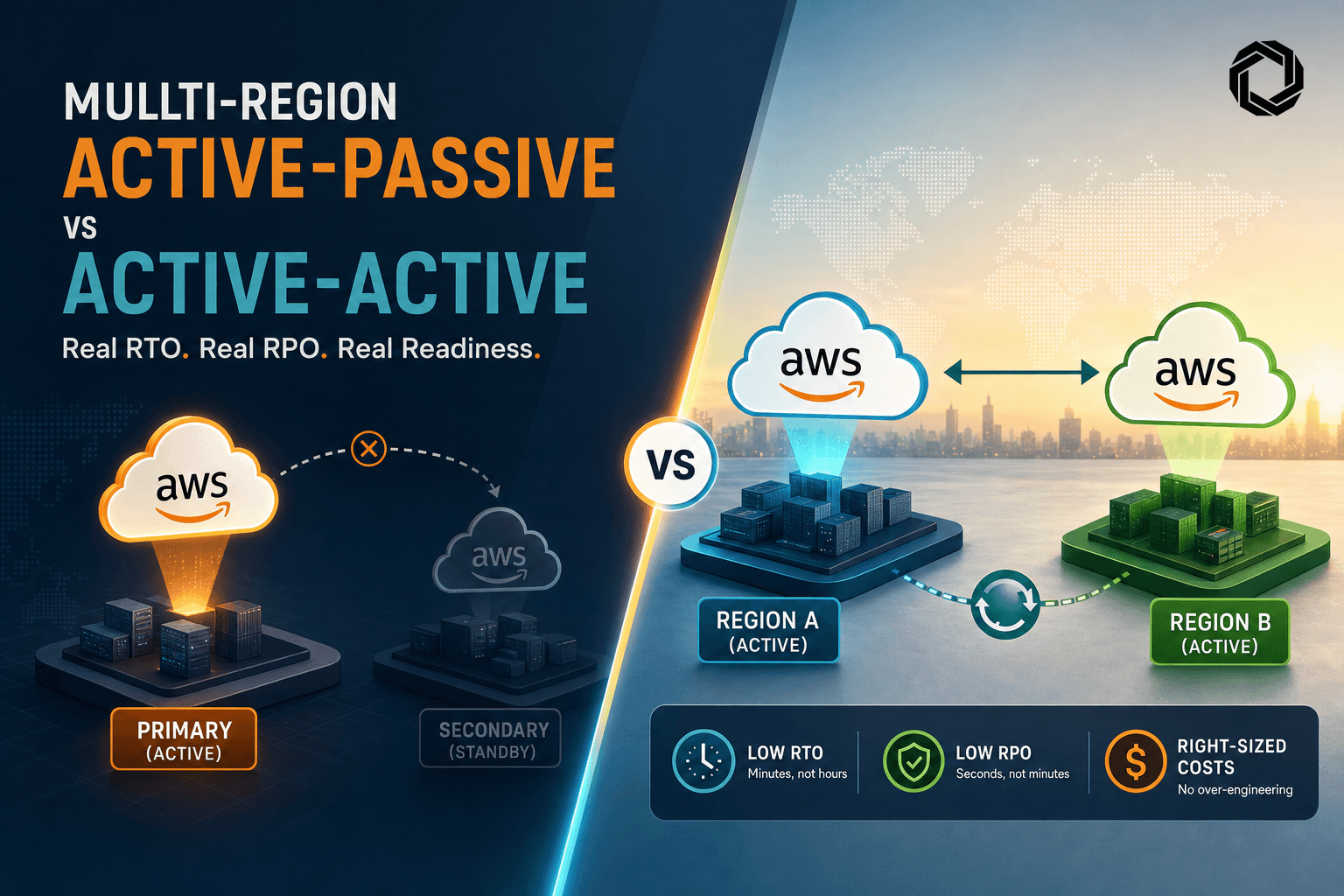
If your estate spans regions, be deliberate about replication and egress. Our guide to multi region active passive versus active active covers how cross region data transfer and failover paths change the bill and the blast radius.
Log only what proves you saved money
You need enough signal to spot regressions and enough history to budget. You do not need to log everything forever.
- Create a Cost Anomaly Detection alert scoped to DataTransfer Out and NATGateway Bytes. Target 10 percent deviation day over day.
- In CloudWatch, add an alarm for each NAT Gateway on BytesOutToDestination with a threshold that matches your new baseline. Alert if it spikes for more than 15 minutes.
- For CloudFront, enable standard logs to S3 with 7 to 30 day lifecycle. Sample real time logs only when debugging.
- Keep VPC Flow Logs at 1 or 5 percent sampling to measure top talkers. Store to S3 with a 14 day lifecycle policy.
We also add an automated report that computes GB and cost by usage type weekly and compares to the previous four weeks. Small and boring wins here.
What moved the needle most and what we would do differently
On a recent account that pulled 40 TB per month, this sequence produced the savings.
- Gateway endpoints for S3 and DynamoDB cut NAT processing by 60 percent in two days.
- Interface endpoints for ECR and CloudWatch Logs removed most of the remaining NAT spend, another 20 percent.
- CloudFront in front of two ALBs with conservative cache keys saved about 15 percent on regional data out. Brotli and a minimal origin request policy almost doubled the hit ratio.
- A per AZ NAT layout removed a lingering 5 percent cross AZ charge.
What we would not do first.
- Tuning instance to instance compression for API responses in the origin. It helps but is slow to roll out and easy to overdo.
- Moving static assets to a separate domain without CloudFront. It just shifts where you pay.
- Over collecting logs. It grows your S3 line item quickly and does not reduce egress.
If you need a short engagement to map and execute these steps with your team, our Cloud and DevOps engineering offering is built for this kind of focused work. If your concern is that the current topology has deeper risks, our architecture review service documents issues and a plan. For edge and origin choices at scale, our analysis on the right front door stacks well with this checklist. For multi region systems, use the multi region RTO and RPO article to avoid surprise transfer charges.
Good cost work is repeatable. Put the alarms in place, codify the endpoints in Terraform, lock S3 to the endpoints, and treat CloudFront cache policies as versioned infrastructure. The fastest wins are mechanical, not heroic.
Cloud and DevOps engineering is where we keep our approach to hands on cloud cost work.
Our architecture review playbook shows how we assess routing and blast radius before you scale changes.
When choosing a public entry point, see our guide on picking the right front door across API Gateway, ALB, and NLB.
For regional strategy and egress trade offs, read multi region active passive versus active active and RTO or RPO.